Getting Started Guides to Accelerate Your FiftyOne Onboarding
Author

Technical Marketing Engineer
Nick is a Technical Marketing Engineer at Voxel51, where he leads the technical content pipeline for the Voxel51 computer vision platform. With a background in infrastructure automation and a passion for enabling engineers through clear, practical tooling, Nick focuses on helping teams turn AI into real business impact.
See all articles by Nick Lotz

Machine Learning Engineer
I'm exploring how we can make agents see, understand, and transform the world around us. I’m dedicated to building systems that bridge perception and action, shaping a future where technology seamlessly integrates into our lives.
See all articles by Adonai Vera
In this article
Try Voxel51 for yourself
When installing and learning a new tool, the hardest part is usually figuring out the first steps that actually resemble your real workflow. FiftyOne’s getting started guides are designed to show you the way. These guides walk you through complete workflows based on real computer vision use cases, including step-by-step instructions and companion notebooks wired together so you can quickly load datasets and explore FiftyOne’s core features.
How the guides are structured
Each getting started guide begins with what dataset or problem it focuses on, an estimated difficulty level, expected time to completion, and what you’ll have at the end. The main content is broken into easy to follow step-by-step sections.
Prerequisites and system requirements are listed up front and are also included in the accompanying notebook. You can treat each notebook as a self-contained lab that you can open on your own machine or in an environment like Google Colab. Most notebooks will start with installing FiftyOne and its dependencies.
What FiftyOne tools can you get started with?
Our FiftyOne guides include a range of workflows and industries so you can onboard in the context that makes sense for you. Here are a few examples.
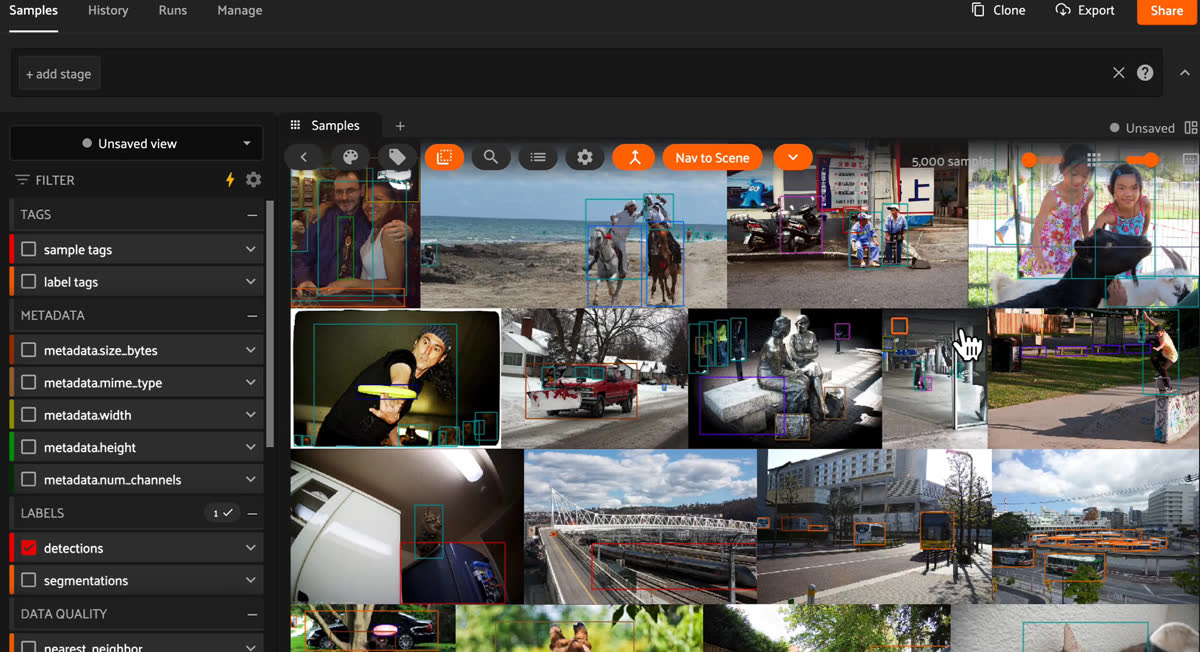
This guide walks you through the fundamentals of object detection with FiftyOne. You’ll load a detection dataset, add predictions, use FiftyOne Brain to uncover mistakes and edge cases, and run model evaluations.
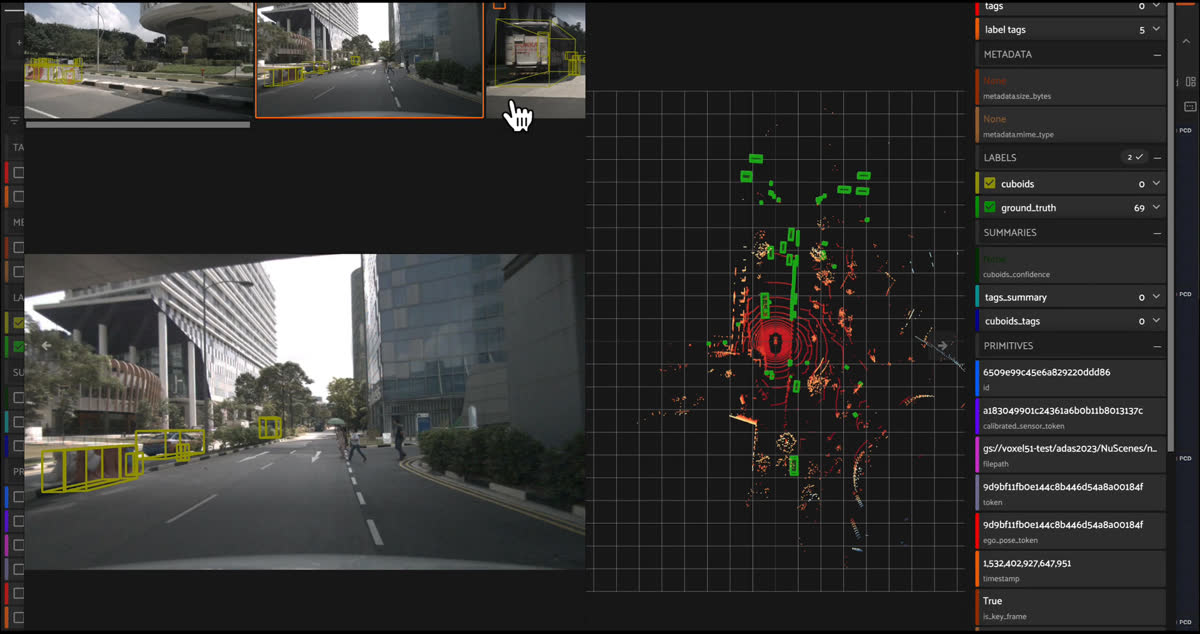
The self-driving guide showcases multi-sensor and multi-modal workflows that mirror modern AV stacks via the nuScenes dataset. You’ll work with complex scenes, annotations, and visual embeddings that are grounded in the real-world challenges of autonomy.
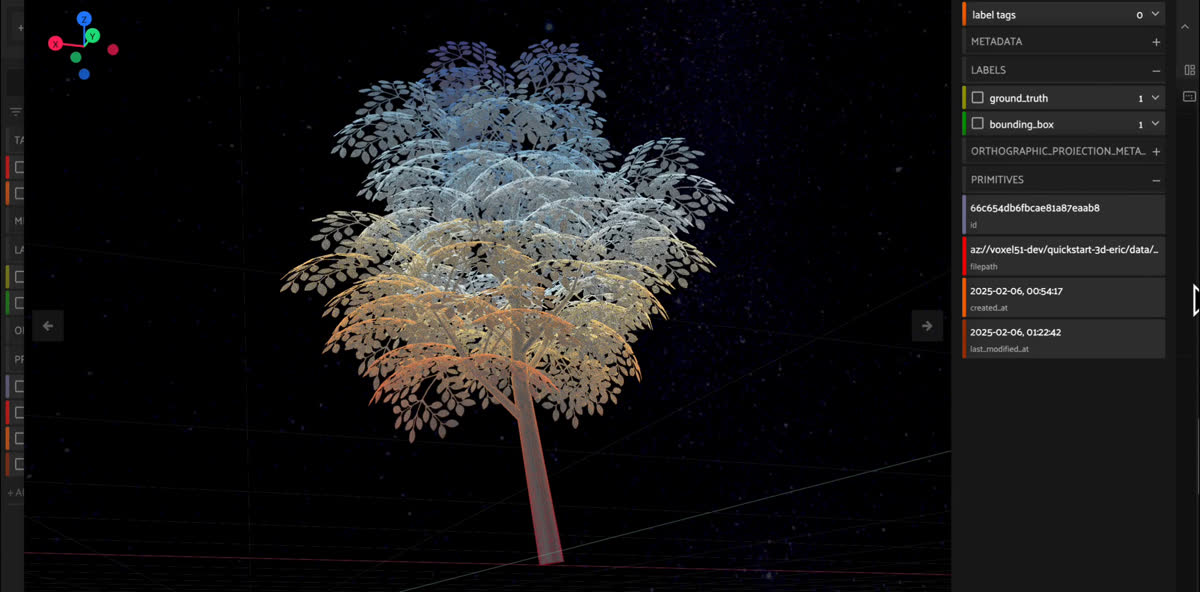
This guide helps you load and perform operations on 3D data such as point clouds and 3D meshes. You will also work with common label types like 3D annotations and polylines.
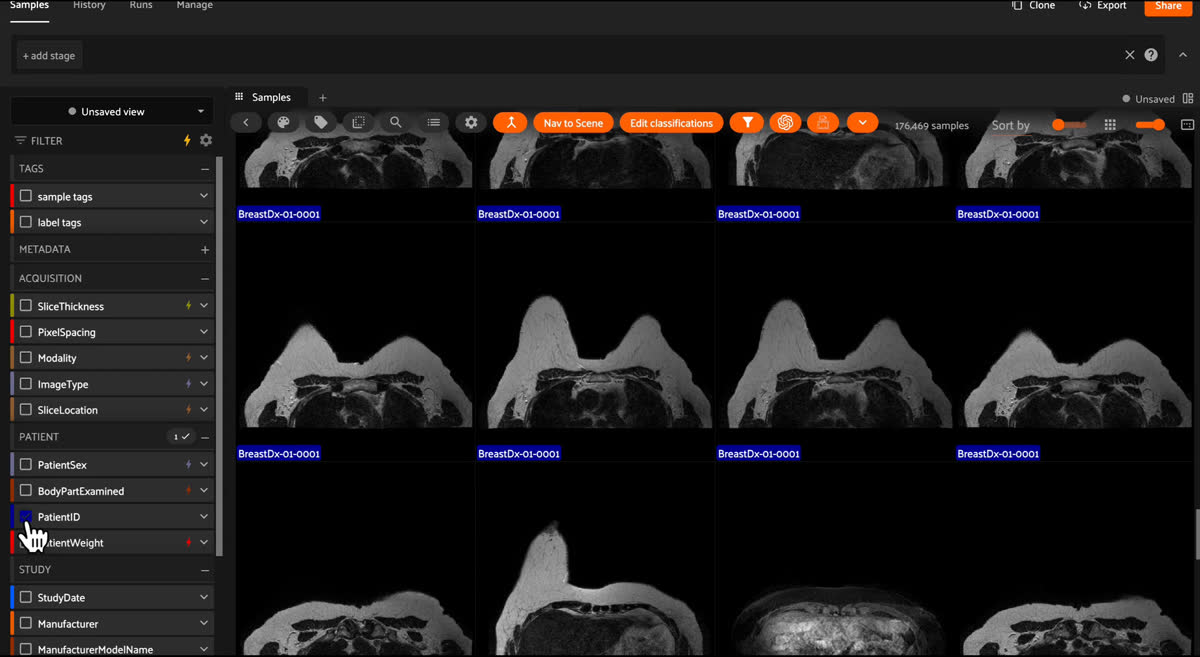
This medical imaging guide helps you load and evaluate MRI and CT datasets. You’ll work with formats like DICOM and NIfTI, organize grouped datasets, and apply and evaluate segmentation masks to medical data.
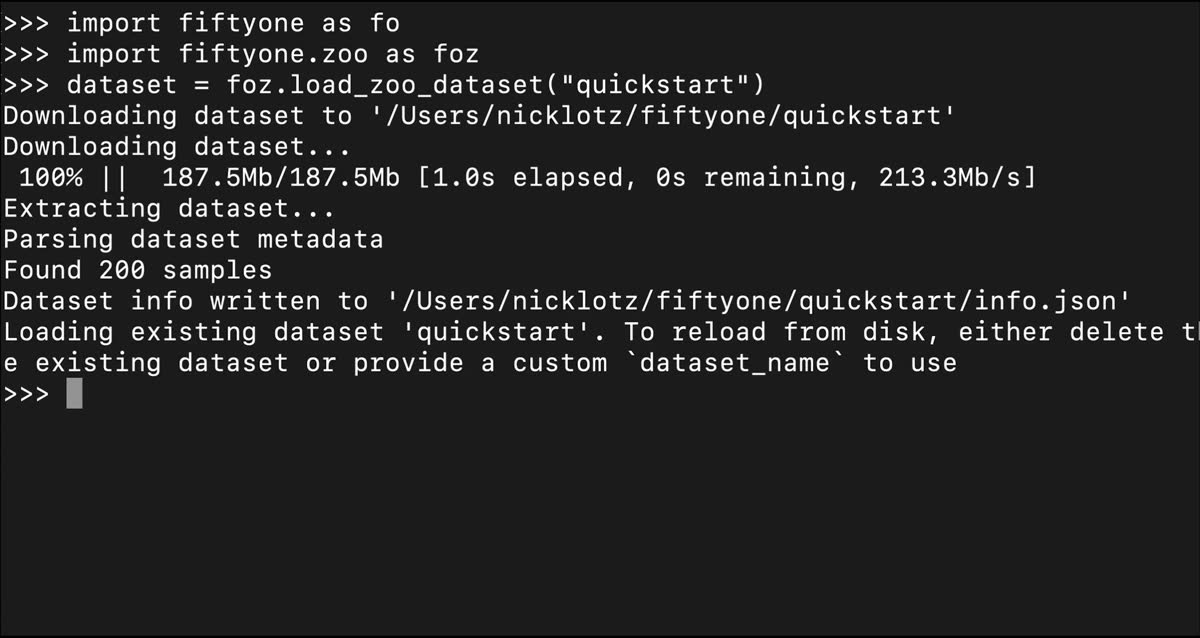
FiftyOne offers pre-formatted datasets via the FiftyOne Dataset Zoo and a variety of pre-trained models via the FiftyOne Model Zoo. This FiftyOne guide will walk you through loading datasets from the dataset zoo, applying models from the model zoo, and working toward integrating your own datasets and models.
What to do next
Working through several of these guides will give you a mental model of where FiftyOne fits in your workflow. From there, you can look at the more focused FiftyOne tutorials for advanced workflows like fine-tuning, anomaly detection, or visual search. The docs also include copy-paste recipes for common operations like de-duplication, dataset merging, or format conversion.
If you’re building in a team or production setting, be sure to check out Voxel51. The patterns you learn will map directly to Enterprise capabilities like data like integration, fine-grained dataset versioning, and advanced labeling and data quality analysis.
So, start with the guide that matches your domain, and then apply the same patterns to your own data. When you’re ready to scale to bigger teams and bigger datasets, talk to us about Voxel51 and turn your workflows into production-ready visual AI applications.
Technical Marketing Engineer
Nick is a Technical Marketing Engineer at Voxel51, where he leads the technical content pipeline for the Voxel51 computer vision platform. With a background in infrastructure automation and a passion for enabling engineers through clear, practical tooling, Nick focuses on helping teams turn AI into real business impact.
See all articles by Nick Lotz
Machine Learning Engineer
I'm exploring how we can make agents see, understand, and transform the world around us. I’m dedicated to building systems that bridge perception and action, shaping a future where technology seamlessly integrates into our lives.
See all articles by Adonai Vera
Try Voxel51 for yourself
Loading related posts...
© 2026 Voxel51 All Rights Reserved


